Centralized Workspaces & Internal Knowledge Systems
As businesses grow, information tends to spread across documents, inboxes, spreadsheets, project tools, shared drives, CRMs, messaging platforms, and individual employees.
That fragmentation creates unnecessary friction. People spend more time searching, switching between systems, asking for information, and trying to understand what is current.
Output Systems builds centralized workspaces and internal knowledge systems that make important business information easier to access, organize, and use.
Start With How Your Team Actually Works
Before designing a workspace, we look at how information currently moves through the business.
We examine where employees go to find documents, customer information, procedures, tasks, project updates, reporting, schedules, policies, and other operational information.
We also identify where employees are losing time, where information is duplicated, which tools overlap, and where the existing setup creates confusion or unnecessary manual work.
Create a More Connected Operating Environment
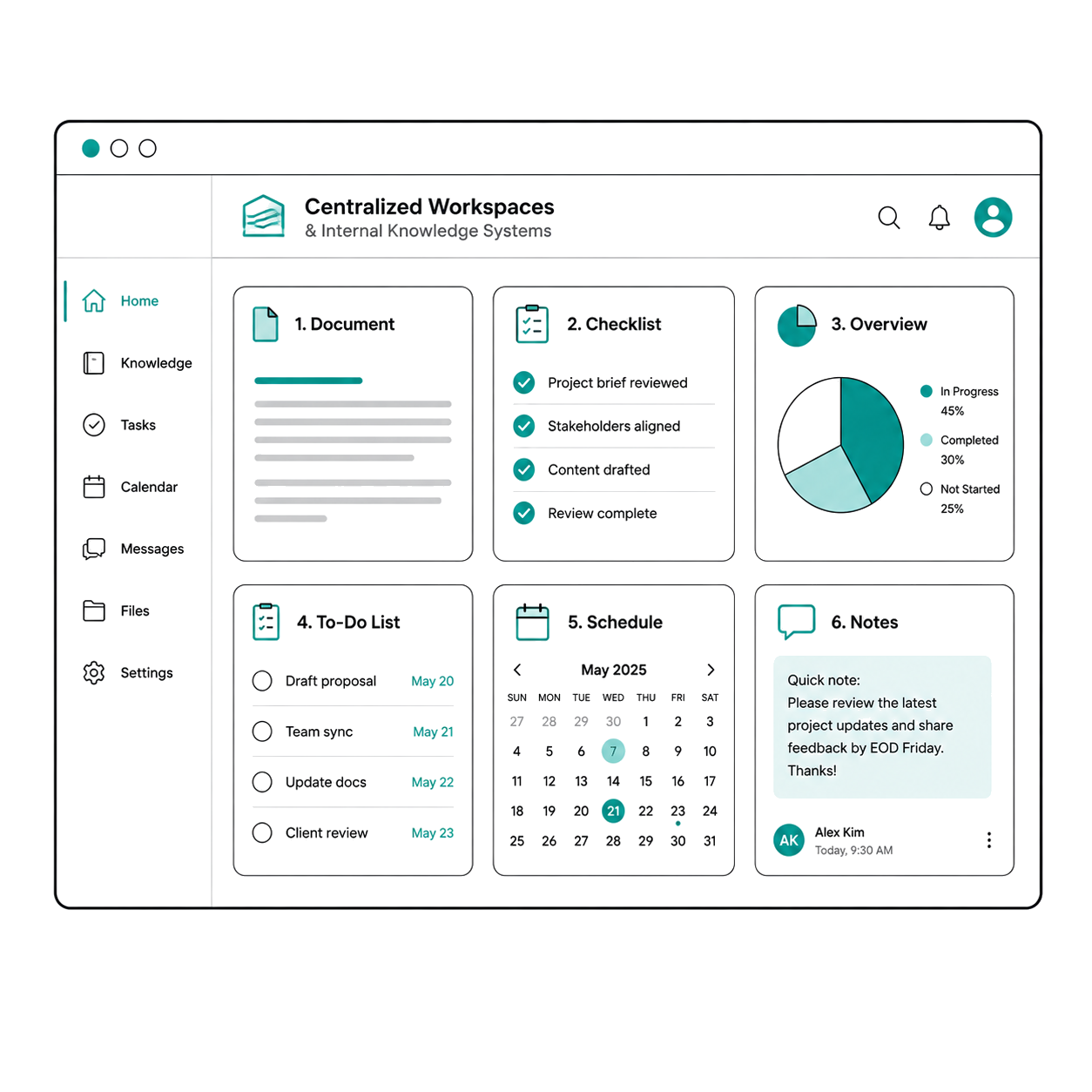
A centralized workspace can bring together the information and tools that are currently spread across multiple applications.
Depending on the business, that could include:
- Tasks and project information
- Customer or client records
- Documents and files
- Calendars and meetings
- Reporting and KPIs
- Internal procedures
- Notes and communication
- Billing or financial information
- Operational alerts
- Business knowledge and reference material
The workspace can be designed around different roles so employees see the information and actions that are most relevant to their responsibilities.
Internal AI That Helps Employees Find Answers
For businesses with large amounts of internal information, conversational AI can provide another way for employees to access what they need.
An internal assistant can be connected to approved documents, procedures, policies, regulations, manuals, customer information, or other business knowledge so employees can ask questions in natural language rather than manually searching through files.
For example, an employee could ask about an internal procedure, locate information inside a large document, reference a regulation, or find the correct process for handling a particular customer situation.
The system is designed around approved information and access permissions so the assistant works within the boundaries established by the business.
Connect the Tools You Already Use
Centralization does not necessarily mean replacing every application.
We can design workspaces that connect with tools such as Microsoft 365, Google Workspace, SharePoint, Google Drive, OneDrive, HubSpot, Salesforce, Notion, Monday.com, Asana, ClickUp, Slack, QuickBooks, Xero, Calendly, Zoom, and other platforms already used by the business.
This can allow employees to work from a more intuitive environment while information continues to move between the systems supporting the operation.
Give Your Team More Productive Capacity
Employees create more value when they can spend less time searching for information, switching applications, repeating administrative work, or trying to determine where something is located.
A well-designed internal workspace can improve visibility, reduce duplicated effort, accelerate decision-making, strengthen consistency, and make it easier for employees to complete their work.
For growing businesses, it can also help create a more scalable operating environment by reducing dependence on individual employees remembering where information lives or how every process works.